> For the complete documentation index, see [llms.txt](https://docs.double2win.xyz/llms.txt). Markdown versions of documentation pages are available by appending `.md` to page URLs; this page is available as [Markdown](https://docs.double2win.xyz/user-guide/pair.md).
# Pair
## Pair
Liquidity providers with LP positions in an AMM can migrate their liquidity to the Double protocol and earn DDJ Tokens. Positions are restricted to containing at least one capital type preselected inside the protocol (DAI, USDC, USDT, or WETH, WBTC)
{% embed url="" %}
### Import a Position
1. Select the correct AMM using the **AMM Selector** dropdown
2. Click **Import**
3. Find your LP tokens by selecting the pair of tokens in your liquidity position
1. Select the capital type
2. Search for your token using it’s name or contract address
4. Click the 0.0 number field and enter the amount of tokens you would like to import
1. tip: Clicking on the **Balance** amount will autofill the max amount
5. Click **Import** to approve the transaction
6. Confirm the prompt from your wallet to sign the transaction
7. You can view the progress, as well as the success or failure of the transaction in the block explorer popup once your transaction is submitted
8. Once your transaction is processed by the network the position will appear on your dashboard
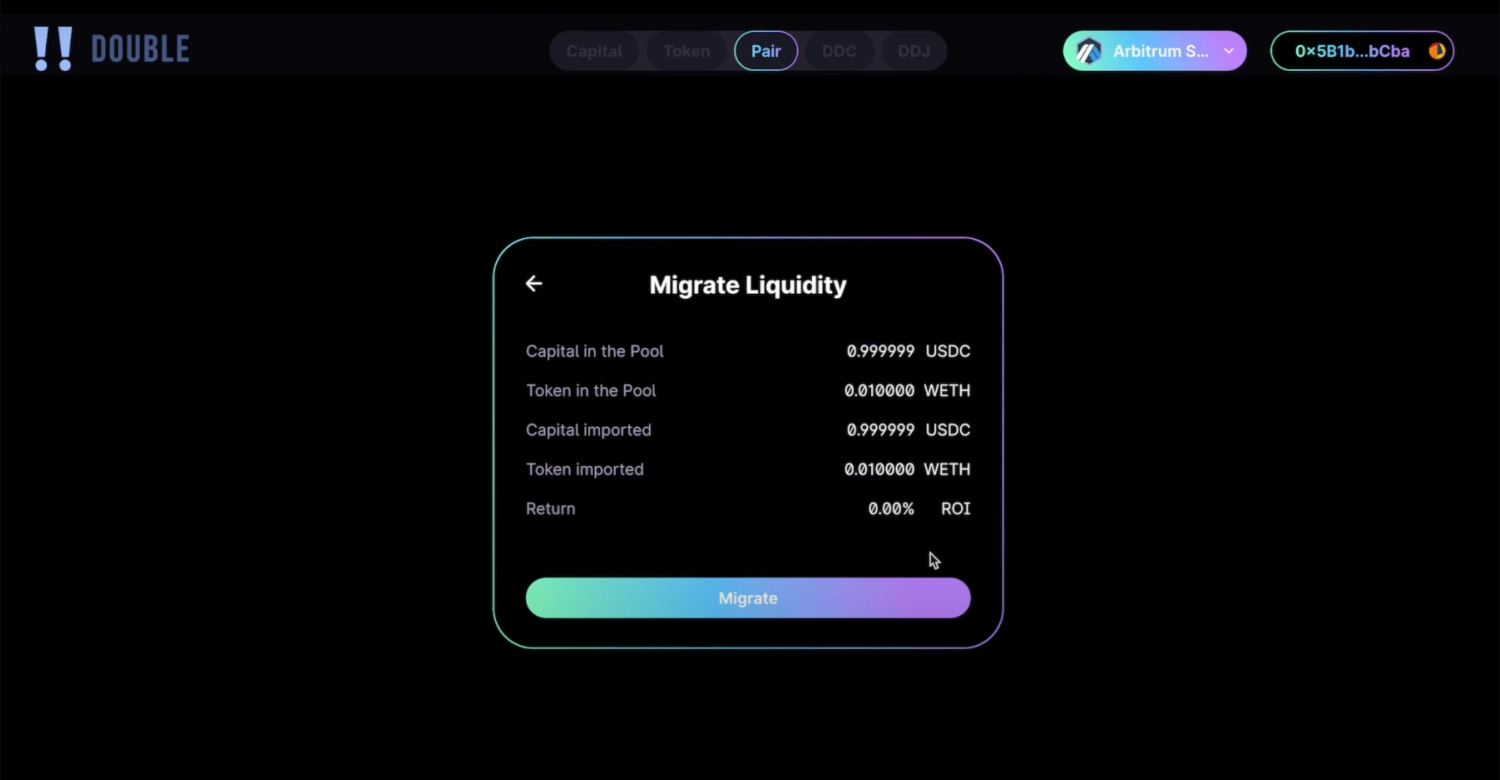
### Migrate Liquidity
1. Select the correct AMM using the **AMM Selector** dropdown
2. Click the dropdown arrow next to the liquidity position you would like to migrate
3. Click **Migrate** **Liquidity**
4. Click **Migrate**
5. Confirm the prompt from your wallet to sign the transaction
6. You can view the progress, as well as the success or failure of the transaction in the block explorer popup once your transaction is submitted
7. Once your transaction is processed by the network the position will appear as closed on your dashboard